Who has access
Links users, service accounts, roles and groups to sensitive data, from the grants each source exposes, as of the scan date.
Access mapping. Access governance. Access review.
IRIS links users, service accounts, roles and groups to the sensitive data they can reach, from each source’s grants, and records what your reviewers decide.
Records from one scan dated November 7, 2026. Last-used dates on databases are per database account; the two file rows have no activity data.
| Identity | Role or group | Object | Privilege | Last used | Decision |
|---|---|---|---|---|---|
| svc_loader (service account) | etl_writers | cbs.customer_master (PAN, mobile) | INSERT and UPDATE | November 5, 2026 | Downgrade to SELECT; a second reviewer approved the task |
| hr_reporting | hr_readers | hr.employee (SSN) | SELECT | July 16, 2026, past the 90-day default | Revoke; the team moved to a new report |
| PUBLIC | Every database role | crm.person (email, mobile) | SELECT | Not applicable | Revoke from PUBLIC; grant to a named role |
| ana.reviewer@example.com | Direct grant | cards.card_customer (holder name) | SELECT | October 21, 2026 | Keep: used within the 90-day default |
| Finance team | Microsoft 365 group | Finance/Payroll folder (bank account numbers) | Edit | Not measured: no activity data from this source | Keep; the folder owner confirmed the members |
| Anyone with the link | OneDrive sharing link | HR/Offers/offer_letters.xlsx (salary) | View | Not measured | Remove the link |
Dipal Panchal reads permissions on the data, because an application role tells you little: a “finance admin” could mean anything underneath.
Links users, service accounts, roles and groups to sensitive data, from the grants each source exposes, as of the scan date.
Flags admin, owner and modify rights on sensitive data, broad groups and access granted to every role, with the identity and the data each one reaches.
Flags access unused past the 90-day default, or a period you set, where the source records activity. On PostgreSQL, activity is tracked per database account unless audit logging is turned on.
Flags OneDrive and Google Drive files with sensitive data that anyone with the link can open.
Reviewers record whether to keep, revoke, downgrade or time-limit access, with a reason. A second person approves each follow-up task.
Ranks access by the type of sensitive data and where it sits, so your reviewers start with the records that matter most.
Capabilities vary by edition.
Connect each source with an account that can read its grants and the data in scope.
IRIS reads users, service accounts, roles, groups and grants where the source exposes them.
IRIS flags admin rights, broad groups and open links, and stale access where activity is recorded.
Reviewers record whether to keep, revoke, downgrade or time-limit access, with a reason.
Your team changes access in the source system. A re-scan records the new grants.
Users, service accounts, roles and groups with access to sensitive data, counted and linked to the data they reach. Review progress shows for each identity and scope.
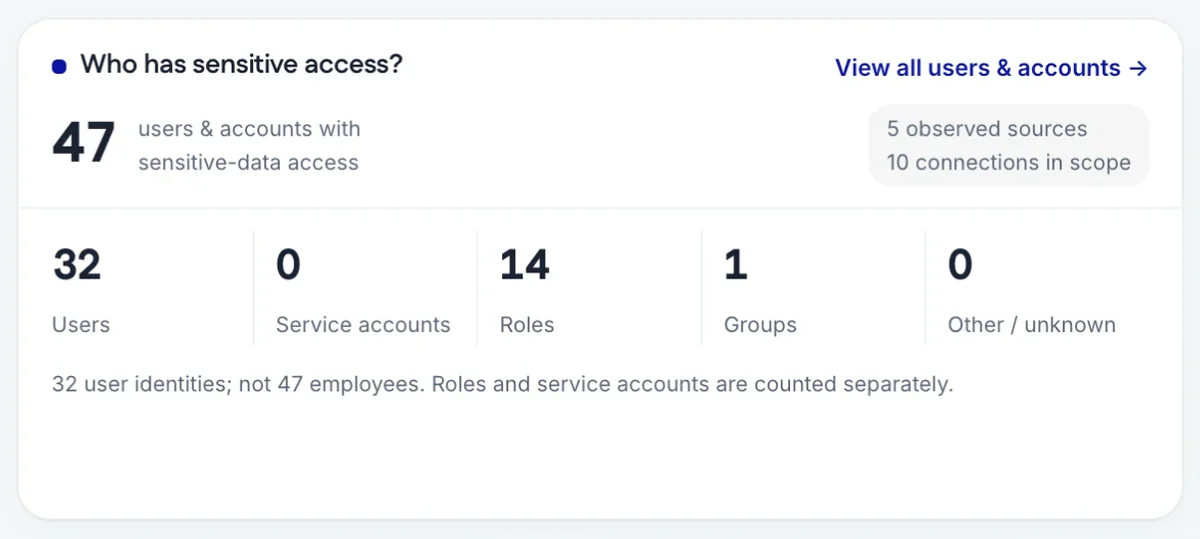
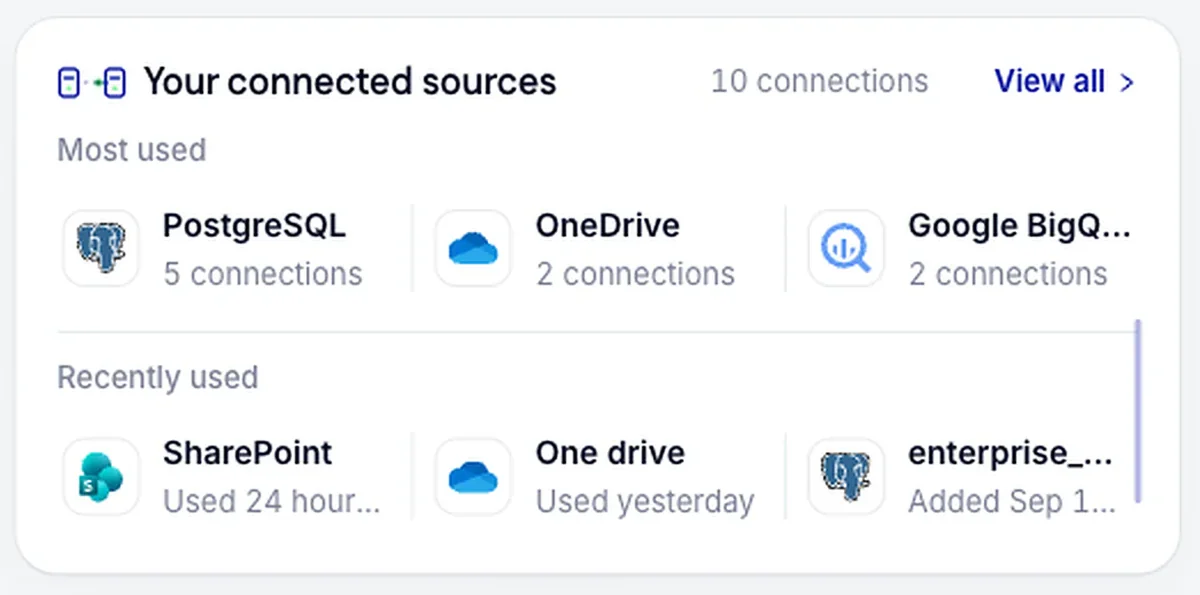
Grants come from each source’s own permission data, read with the account you create for IRIS.
Service accounts, users, roles and groups, each linked to the sensitive tables and files it can reach, including grants made to every role.
Rights beyond read are flagged on sensitive data, and unused access where the source records activity.
Each review decision is recorded with the reviewer, the reason and the date, and follow-up tasks need a second approver.
IRIS shows who can reach sensitive data. Where the source keeps an audit log, IRIS reads it and shows who accessed that data and when. Activity data also feeds the stale-access flag.
A grant shows up only if the source exposes it to the account IRIS reads with, so give that account read access to the grant catalogs. Where a source records no activity, the record says not measured.
To see where access mapping runs in a scan, follow one on the how-it-works page.
How teams run a quarterly access review on evidence, with decisions a second person approves.
Add access findings and review decisions to the evidence your auditor can trace.
Mark the accounts your AI tools use, then see what data they can reach.
No. Reviewers record a decision to revoke or downgrade access, and a second person approves each follow-up task. Your team makes the change in the source system, and a re-scan records it.
Yes, where the source keeps an audit log. IRIS reads it and shows who accessed sensitive data and when. The source remains the system of record for the log.
Access unused past the 90-day default, or a period you set, is flagged where the source records activity: today PostgreSQL, Snowflake and BigQuery. Per-user detail on PostgreSQL needs audit logging turned on.
Databases and warehouses such as PostgreSQL, MySQL, SQL Server, Oracle, Snowflake, Databricks, BigQuery, Spanner and SAP HANA. Also Amazon S3, Google Cloud Storage and sharing on OneDrive, SharePoint and Google Drive. Explore integrations
Read access to the source’s grant and role catalogs as well as the data in scope. The security pack gives the grant for each source type.
See access mapping, or start with a free assessment of one database.