Classify sensitive data
Classifies sampled values and column names with pattern rules, checksums such as Luhn for payment cards, and local name recognition.
How it works. Read-only discovery.
IRIS reads your sources, classifies locally and records what it couldn’t read. The coverage record below is one scan of sources, filled in.
One run across a six-source estate. One table and two files went unread and one source failed, so IRIS marks the whole run partial.
| Source | Status | Reason | Owner |
|---|---|---|---|
| Core banking database | Scanned: 3 of 3 tables | Every table read | Core banking DBA |
| Cards database | Scanned: 2 of 2 tables | Every table read | Cards platform owner |
| CRM database | Partial: 1 of 4 tables unread | crm.person_archive timed out; its columns stay unclassified until a re-scan reads them | CRM application owner |
| HR document library | Partial: 2 of 148 files unread | One file is password-protected and one is too large to read | HR operations lead |
| Loans archive database | Failed | The host was unreachable from IRIS, so no table was read | Lending platform owner |
| Treasury database | Excluded by scope | Left out at scoping; listed so the gap stays on the record | Treasury systems owner |
Dipal Panchal’s rule for the report: show which sources are connected and which were scanned, and say that the results come only from those.
Classifies sampled values and column names with pattern rules, checksums such as Luhn for payment cards, and local name recognition.
Maps who can reach each sensitive location from the source’s own grants, where it exposes them. Flags excessive access, and stale access where activity is recorded.
Checks sampled values in each sensitive column for encryption, masking or hashing, once the check is activated on your install, and flags plain values to fix.
Records each source’s outcome, scanned, partial, failed or excluded, with the reason for each table and file IRIS couldn’t read.
Capabilities vary by edition.
This reflects IRIS v1 as checked on November 8, 2026. Scans run on demand or on a schedule, and each run is dated.
Scope and connect
Sources in scope, gaps recorded, each connection tested
Inventory
Schemas, tables, columns and files
Classify
Sensitive data and signs of protection
Map access
Who can reach each sensitive location
Review
Your team verifies or dismisses each finding
Evidence
Evidence for audits; re-scan after a fix
Scope and connect
Sources in scope, gaps recorded, each connection tested
Inventory
Schemas, tables, columns and files
Classify
Sensitive data and signs of protection
Map access
Who can reach each sensitive location
Review
Your team verifies or dismisses each finding
Evidence
Evidence for audits; re-scan after a fix
Real IRIS screens.
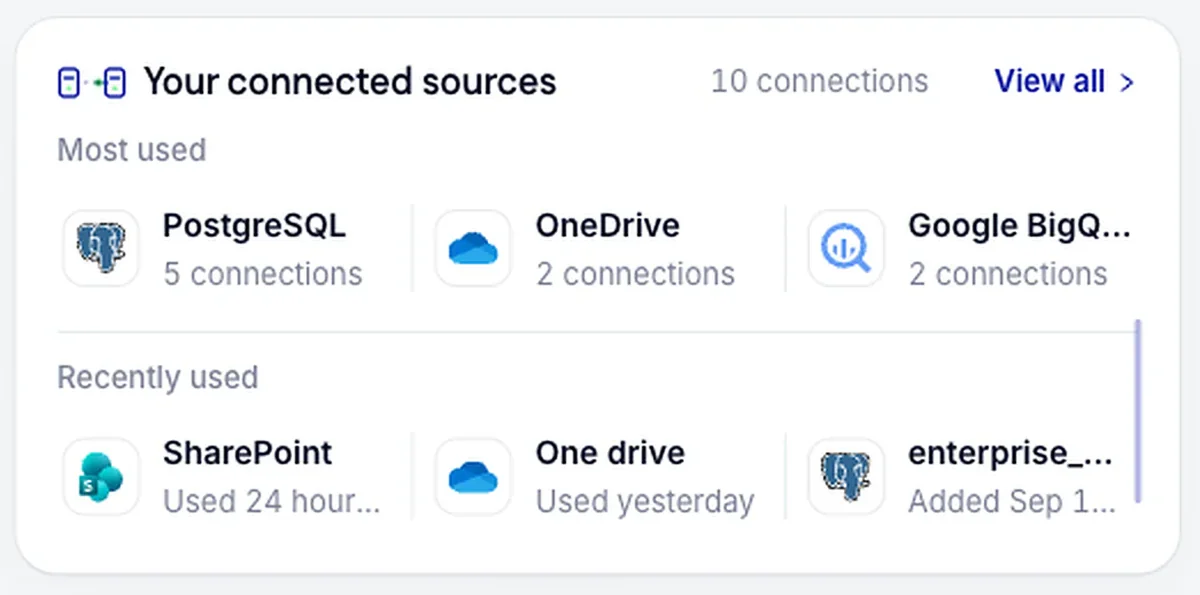
Connect supported databases, cloud storage, Microsoft 365, Google Workspace and selected SaaS and code platforms, with read-only access. Each connection is tested before use.
Findings by source, schema, table and column. Each carries a confidence level and a review status, and stays pending until a reviewer decides it.

It reads a sample of each table, and small tables in full, plus the files in scope. It keeps findings and coverage records in your deployment.
From IRIS: the license service at activation and validation, the sources you scan, a time source, and emailed reports if you turn them on. The security pack lists the rest.
A host in your environment, an account for each source that can read the catalog and the data in scope, and one online license activation.
Access with no recorded use past the 90-day default, or a period you set. On PostgreSQL, activity is tracked per database account unless audit logging is turned on.
IRIS matches values and column names against patterns for global and regional identifiers. For the nine identifier types with a checksum, such as Luhn for payment cards or Verhoeff for Aadhaar, IRIS validates it. A column whose sampled values all fail is rejected for that type.
Name recognition runs on a local model inside your deployment. Each machine finding starts as pending, and a reviewer approves, reclassifies or declines it, giving a reason for a decline.
To plan the install that runs these steps, read the deployment page: the host, a read-only account for each source and the activation step.
IRIS can be deployed in your own infrastructure, on-premises or in any cloud, so your data stays within your environment.
What crosses your network edge during a scan, and what IRIS keeps from it.
Eight findings from one scan, annotated, including a rejected candidate and two unread items.
No. IRIS runs point-in-time scans you schedule or run on demand. Every scan is dated, and you can re-scan to confirm what changed.
As often as you need: once, hourly, daily, weekly or monthly at a time you set, or on demand. A schedule pauses itself after five failures in a row, so a broken connection shows up.
IRIS lists it with the reason, leaves its columns unclassified and marks the scan partial. An unread table is never counted as clean.
Yes, by default: a scheduled or on-demand scan is a full scan. A partial scan, which you choose, skips columns whose content hasn’t changed since the last one.
Usually not. Where the source supports it, IRIS connects without an agent, through an account you create for it.
Cloud and SaaS sources such as Microsoft 365, which IRIS reads from their services. Databases and file sources inside your network need none once the license is active.
Take the product tour, or book a demo and bring the source your auditor asks about most.